WooCommerce tile product guide
Choose a guide below. Each page focuses on one task, so it is easier to follow while working in WordPress.
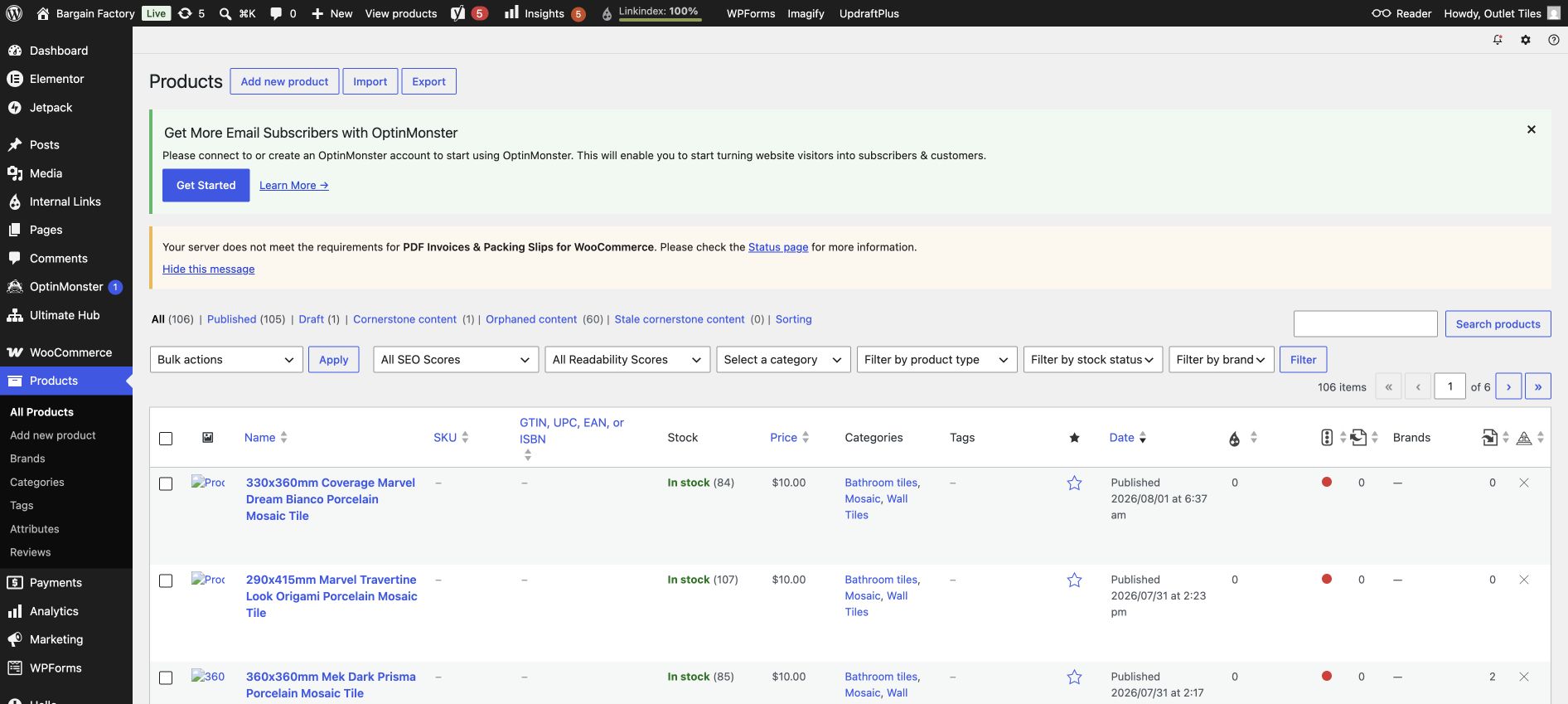
Start at Products in the WordPress left-hand menu.
1. Simple product
For one sellable tile size. Add name, price, SKU, stock and images.
2. Different tile sizes
Use a Variable product and add Size choices such as 300 × 600 mm and 600 × 600 mm.
3. Variations and pricing
Generate the size rows, then add a price, SKU and stock to every size.
4. Save Draft and check
Keep examples unpublished, preview safely, and fix common problems.
5. Simple vs Variable
See the difference using the actual product 5676 and a Size-variation example.
6. Screenshot walkthrough
Every product-creation step shown with a WordPress screenshot.