Create one tile product with different sizes
Use a Variable product when shoppers should choose a size and the size may have a different price, SKU, stock, weight or image.
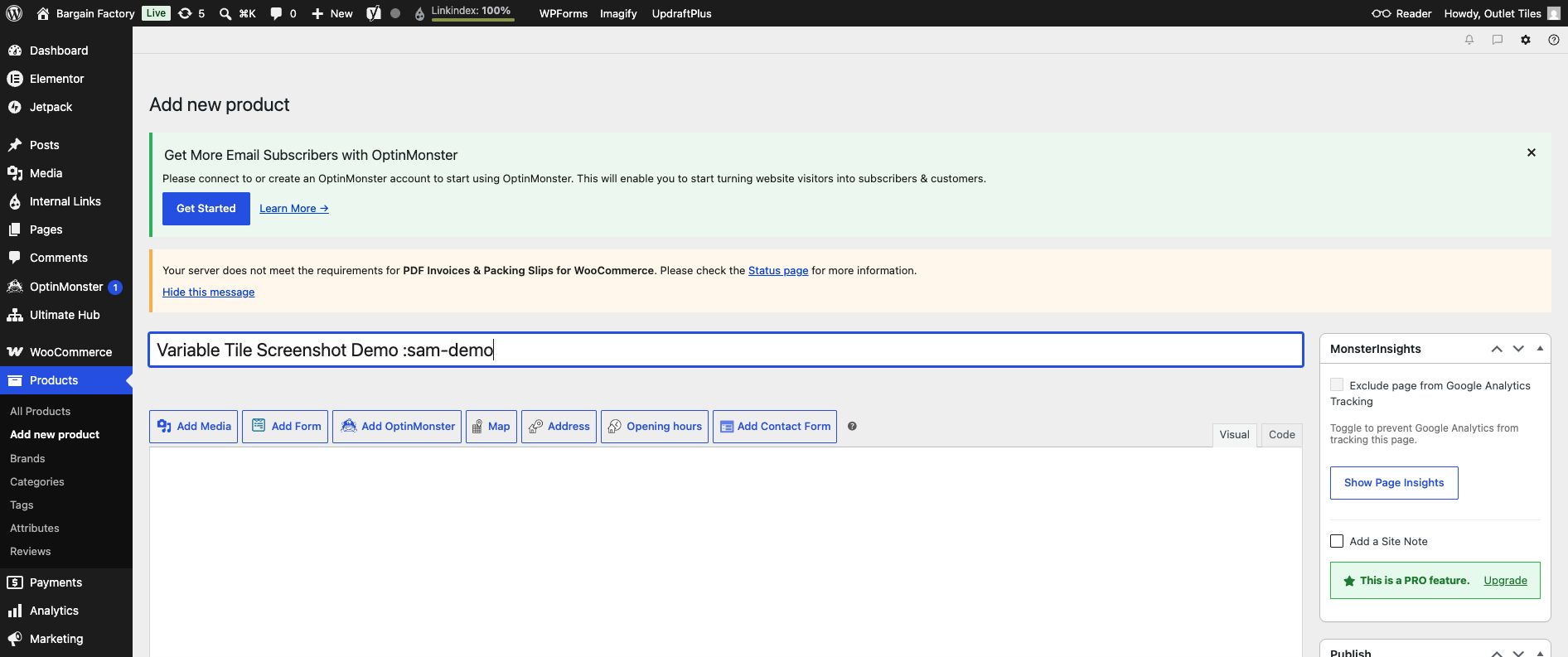
Change the Product data dropdown to Variable product.
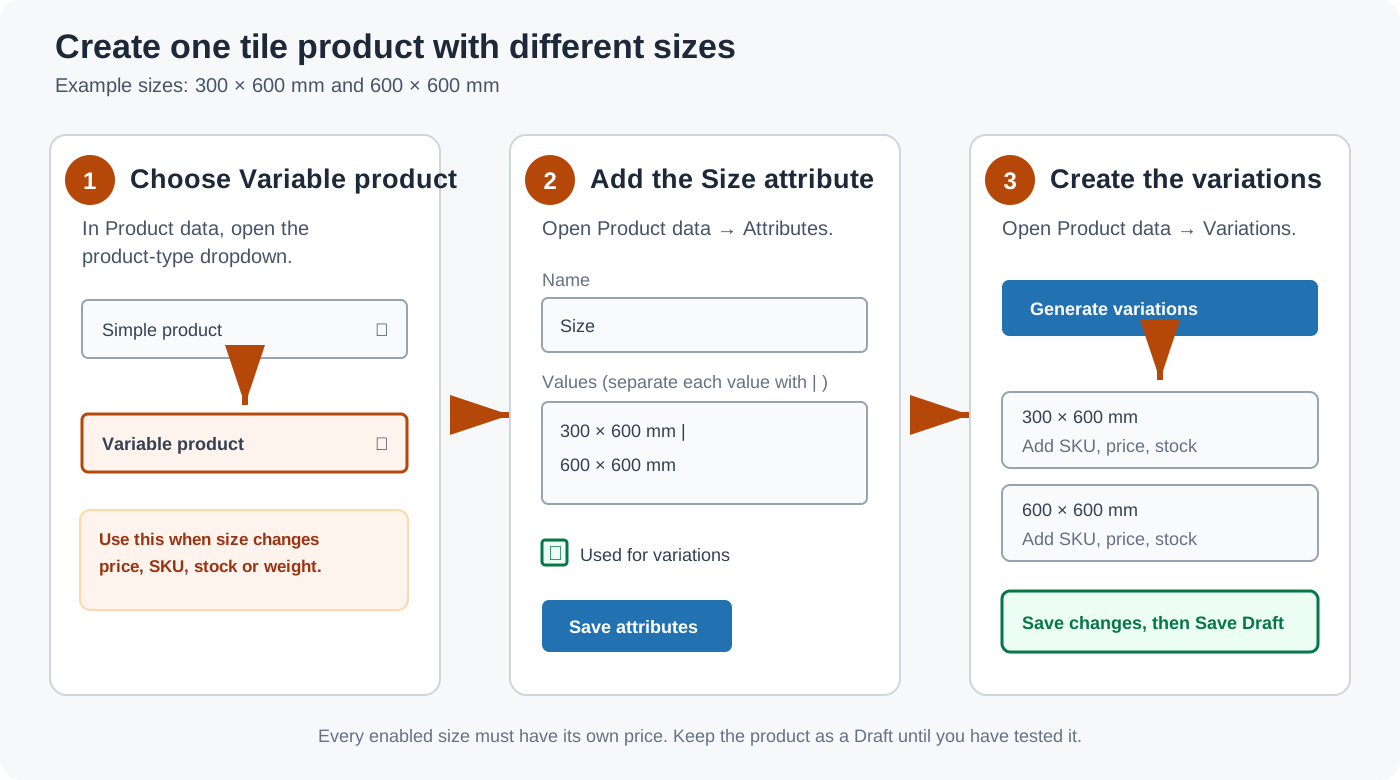
Step-by-step
- Create the parent product and enter a general title, for example
Sample Stone Grey Porcelain Tile. Do not put only one size in the title. - Scroll to Product data and change Simple product to Variable product.
- Do not set the main price. Each size will have its own price later.
- Click the Attributes tab, then choose Add new.
- Enter
Sizefor Name. - Enter values separated by
|:300 × 600 mm | 600 × 600 mm. - Tick Used for variations, then click Save attributes.
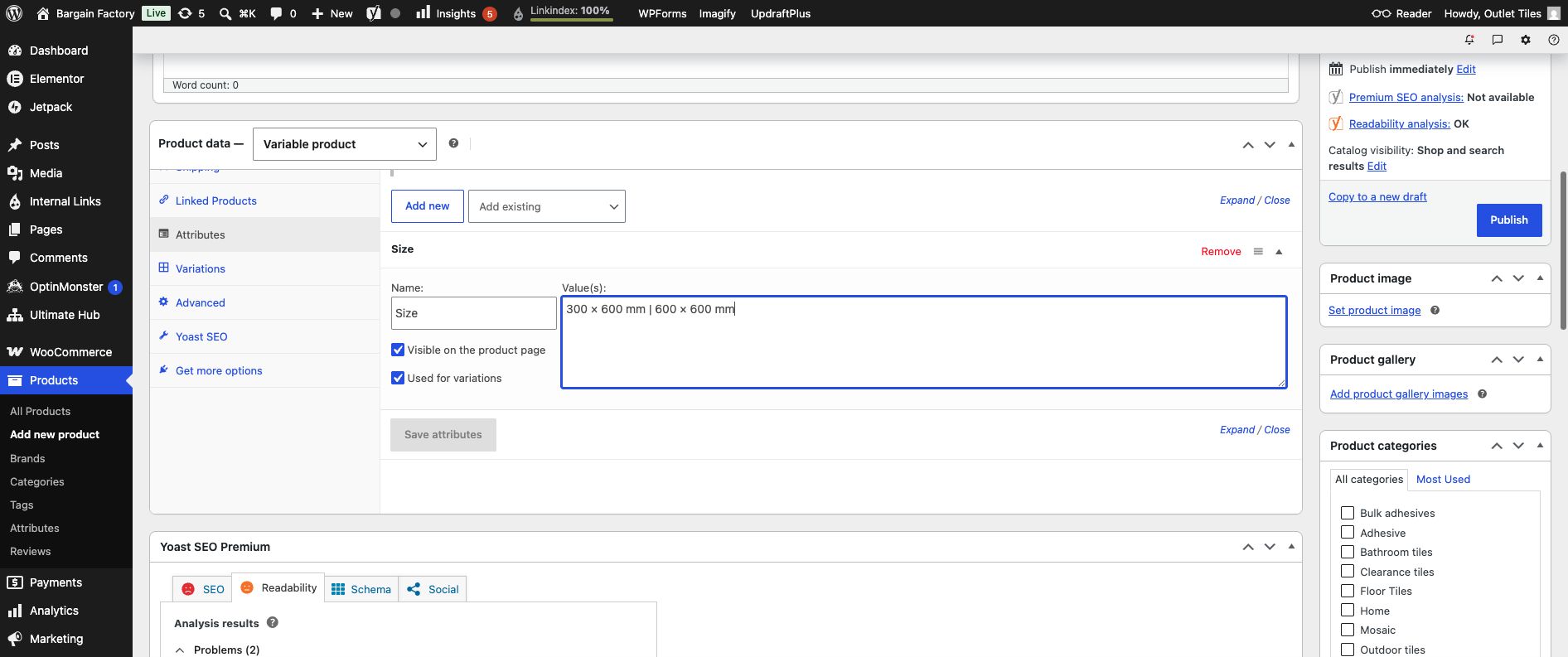
Enter Size and separate the choices with |. Ensure Used for variations is ticked, then click Save attributes.
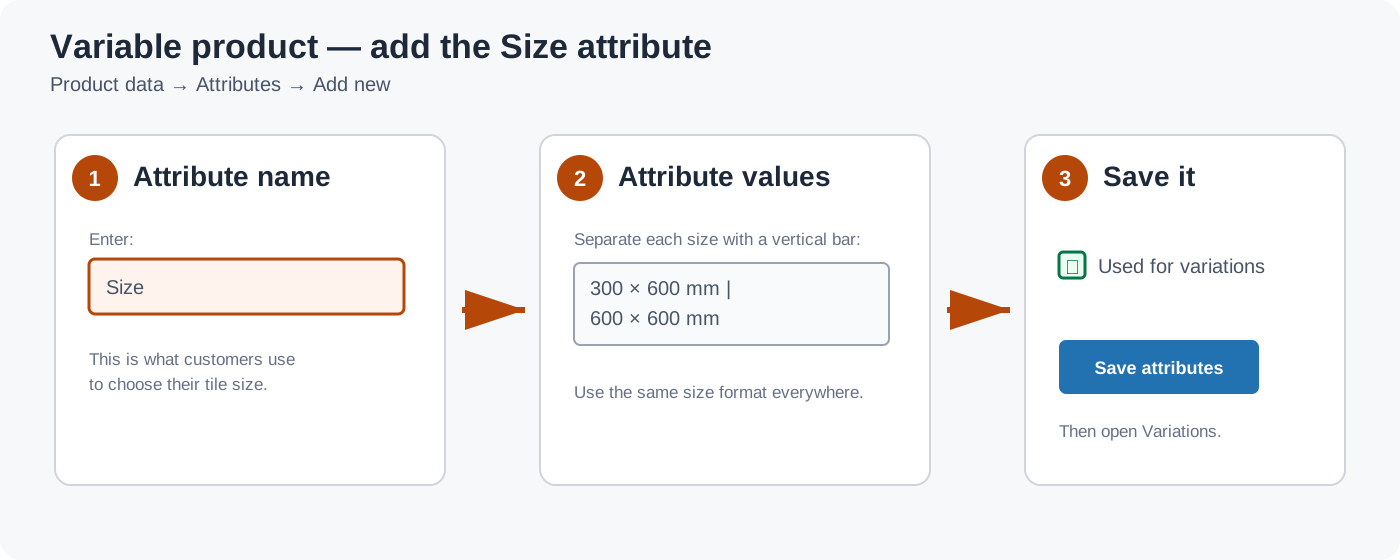
Important: every option must use the same format. For example, use
600 × 600 mm consistently, rather than mixing 600x600 and 600 × 600 mm.