WooCommerce tile product guide
Choose a guide below. Each page focuses on one task, so it is easier to follow while working in WordPress.
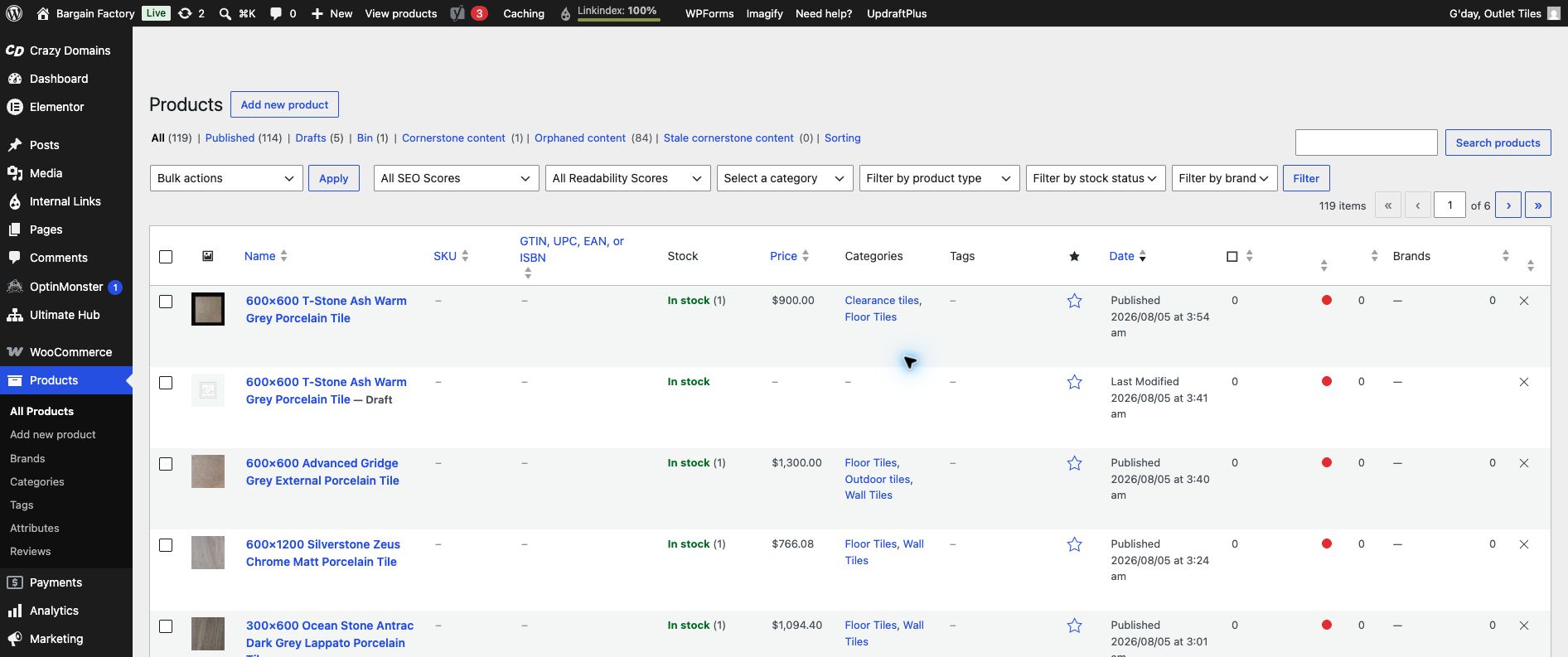
Start at Products in the WordPress left-hand menu.
1. Simple product
For one sellable tile size. Add name, price, SKU, stock and images.
2. Different tile sizes
Use a Variable product and add Size choices such as 300 × 600 mm and 600 × 600 mm.
3. Variations and pricing
Generate the size rows, then add a price, SKU and stock to every size.
4. Save Draft and check
Keep examples unpublished, preview safely, and fix common problems.